































Gift card POS integration: how Gifty works with Lightspeed, MplusKASSA, unTill and Bork
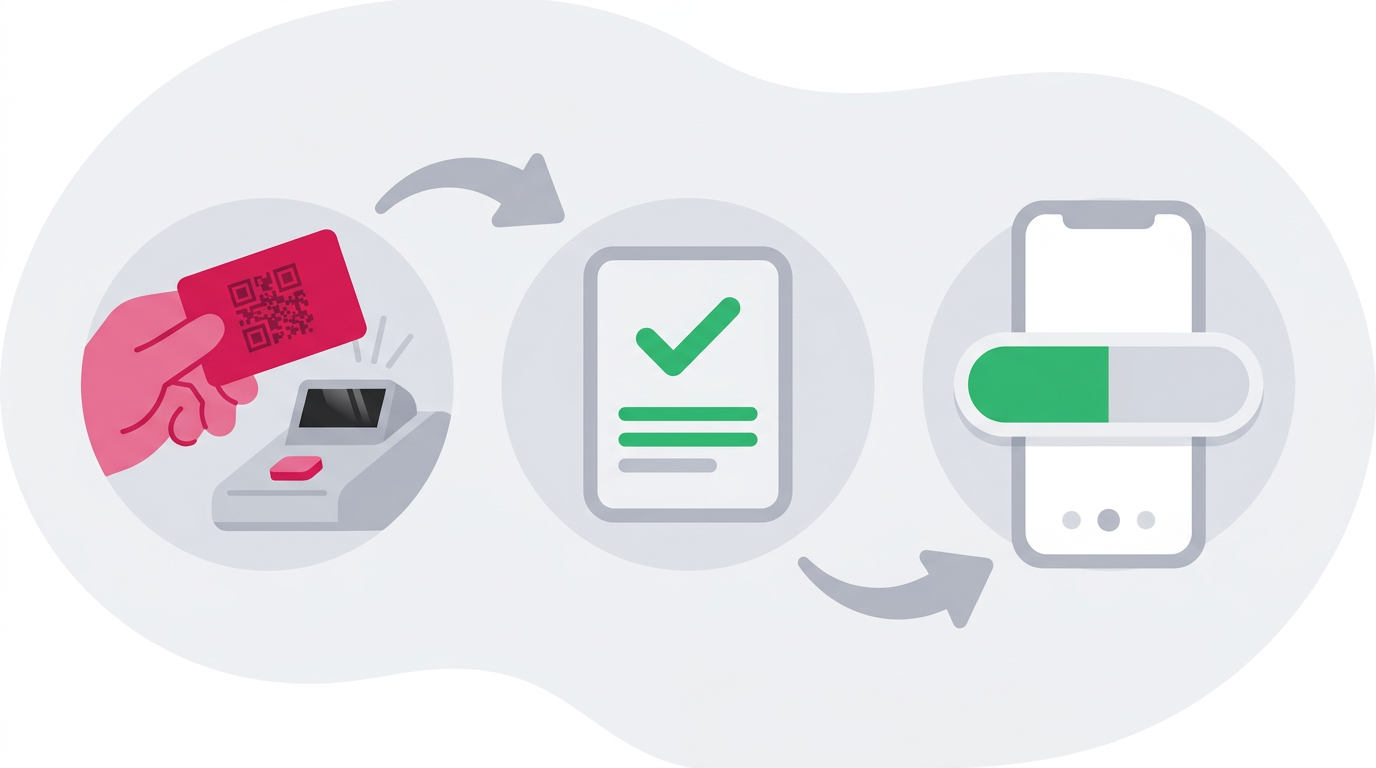
Yes: Gifty integrates with Lightspeed (L-series), MplusKASSA, unTill, Bork and Vectron, so staff can issue and redeem gift cards at the till while every transaction shows up in the Gifty dashboard. This guide compares what each POS integration needs and how it works in practice.
What a gift card POS integration does
- Issue and redeem at the till: staff scan the card where they already take payment.
- Balance and remaining value: a partly used card keeps its remaining balance.
- Multiple locations: the integrations suit businesses with several locations and franchises.
- Setup differs per POS: according to the documentation Lightspeed needs the least manual work, MplusKASSA and unTill more.
- No integration? Use the Gifty dashboard or app.
How does a POS integration for gift cards work?
The integration lets your till talk to Gifty. When staff scan a card, the POS asks Gifty for the balance. When the guest pays, the POS tells Gifty that an amount was issued or redeemed, and Gifty updates the card and your dashboard straight away.
For unTill and MplusKASSA you need an API key from the Gifty dashboard (menu Developers). Give it a clear name, such as Kassa frontdesk, because that name appears in your transaction overview. If you also want to track which location redeemed a card, add the location ID, which starts with lc_. Lightspeed works differently: you link your Gifty account and your Lightspeed account, without copying a key.
How do you issue and redeem a gift card with a POS integration?
On every system you scan the card or type the code, then choose issue or redeem. You issue when you sell a card: scan a blank card, enter the amount and take payment. The card is only loaded after the payment succeeds. You redeem when a guest pays with the card, in full or in part.
For a physical card, the Lightspeed and unTill guides also say to write the amount on the card. If you pick the wrong amount in MplusKASSA, remove the line and scan the card again.
What happens to the remaining balance?
If the card is worth more than the bill, the rest stays on the card and you hand it back to the guest. The status stays Issued with a lower balance until it reaches zero. If the card is worth less, the guest pays the difference with card or cash. The guides for unTill, MplusKASSA and Lightspeed show the exact steps.
Does it work for multiple locations and franchises?
Yes. A card can be redeemed at any location of the same business, or at a location with an active collaboration. In the dashboard you decide per location whether cards can be issued and redeemed there.
Lightspeed (L-series) gift card integration
The integration works on the iPad and iPhone version of Lightspeed Restaurant (L-series). You install it yourself: log in at lightspeed.pos.gifty.nl with your Gifty account, click Install for the location, log in to Lightspeed and approve data sharing. Then add a payment type in the Lightspeed dashboard: name Gifty Cadeaubon, type External, provider Gifty Gift Cards.
At the till, open the payment screen, tap the Gifty button and scan the card or type the code. To issue, enter the amount and choose Uitgeven. To redeem, the amount is filled in from the card balance, and you choose Verzilveren. Then complete the payment. One catch from the docs: a straight apostrophe (‘) in a product name causes an error, while a typographic apostrophe (’) is fine.
More detail is on the Lightspeed integration page (the full guide, in Dutch, is in the Lightspeed documentation).
MplusKASSA gift card integration
MplusKASSA needs the most preparation. First order licence Q3300 Webhooks via the MplusKASSA dealer portal. Then create an API key, add a payment method with ID K_GIFTY, add a gift card article and set up a webhook to Gifty. According to the Gifty documentation, the article gets the 0% VAT code, because VAT is charged when the card is redeemed.
You can issue in two ways: scan the card and select an amount, or type the amount on the numpad and press a quick button you add yourself (CustomActionId GIFTY_ISSUE). To redeem, go to the payment screen, scan the card to see the balance, choose how much to take off under Gifty Gift Card and complete the payment. Any remaining payment goes through another payment method.
See the MplusKASSA integration page and the MplusKASSA documentation (in Dutch).
unTill gift card integration
With unTill you install a Gifty driver on the till. Create an API key, place the driver in the unTill drivers folder, restart the JServer and activate the driver in the back office with your API key and, optionally, a location ID. Then change the Gift Card payment option and select the Gifty Driver under EFT.
Issuing takes four steps: open the gift card screen, choose Issue, enter the amount and pay, then scan the card. Redeeming takes five: add products, go to the payment screen, choose the gift card button and scan the card, confirm the balance, and pay any rest another way. Checking a balance takes three steps with Balance.
unTill has two extras in the docs. You can re-open an order that was paid (partly) with a gift card, which loads the amount onto an empty card marked as promotional. And if your contact at Gifty has switched on the goodwill option for expired cards, scanning an expired card asks whether to extend it by one month.
See the unTill integration page and the unTill documentation.
Bork gift card integration
With the Bork integration you issue and redeem gift cards at the point of sale. All transactions are visible in your Gifty dashboard right away and appear on the sales receipt. It suits businesses with multiple locations and franchises. The Bork integration page has no step by step guide yet, so ask Gifty for the setup.
Vectron gift card integration
Vectron can also issue and redeem gift cards at the till, with real time transactions in the Gifty dashboard. The Vectron integration page lists three scenarios: pay with a gift card and check the balance, top up a gift card and check the balance, and check the balance only. There is no step by step guide in the documentation yet, so ask Gifty for the setup.
What if you have no POS integration? Dashboard and app
If your POS is not listed, staff can issue and redeem gift cards in the Gifty dashboard (also manually for in-store sales) or in the Gifty app. You set per employee whether they may only redeem or also issue. The difference with an integration is that you enter the amount separately in the dashboard or app, next to the sale in your till, so your till and your administration do not match automatically. For a custom link, a REST API is available.
How do you choose between the POS integrations?
You choose a POS, not an integration: the integration follows your till. Use the table to see what to prepare.
| POS | Preparation according to the documentation | What to watch |
|---|---|---|
| Lightspeed (L-series) | Link via lightspeed.pos.gifty.nl and add an External payment type | iPad and iPhone, no straight apostrophe (‘) in product names |
| MplusKASSA | Licence Q3300 Webhooks, API key, payment method, article and webhook | Most manual setup, licence via the dealer portal |
| unTill | API key and Gifty driver, activate the driver in the back office | Re-open an order and goodwill extension for expired cards |
| Bork | Ask Gifty, no step by step guide in the documentation | Video on the integration page |
| Vectron | Ask Gifty, no step by step guide in the documentation | Three scenarios: pay, top up, check balance |
What about VAT at the till?
In the Netherlands, the MplusKASSA documentation sets the gift card article to a 0% VAT code and charges VAT at redemption. How a till processes this differs per system, so agree the setup with your accountant. A separate guide on VAT for gift cards is planned.
Frequently asked questions
Gifty offers integrations with Lightspeed (L-series), MplusKASSA, unTill, Bork and Vectron for in-store sales. Gifty also lists Jamezz, Orderli and Briq Bookings, and offers a REST API for custom integrations.
You can still issue and redeem gift cards in the Gifty dashboard or in the Gifty app, with every transaction visible in your overview. For a custom link there is a REST API.
Yes. If the card is worth more than the bill, the remaining balance stays on the card. If it is worth less, the guest pays the difference with another payment method.
Yes. The integration pages for Lightspeed, MplusKASSA, unTill, Bork and Vectron say they suit businesses with multiple locations or franchises. A card can be redeemed at any location of the same business, or at a location with an active collaboration.
Yes. The integration pages say that all transactions appear in real time in your Gifty dashboard.
That depends on your POS system and your plan, so ask Gifty for your situation. For MplusKASSA you need an extra licence from the supplier first.