





Sell gift cards on Instagram: how to add the link to your profile
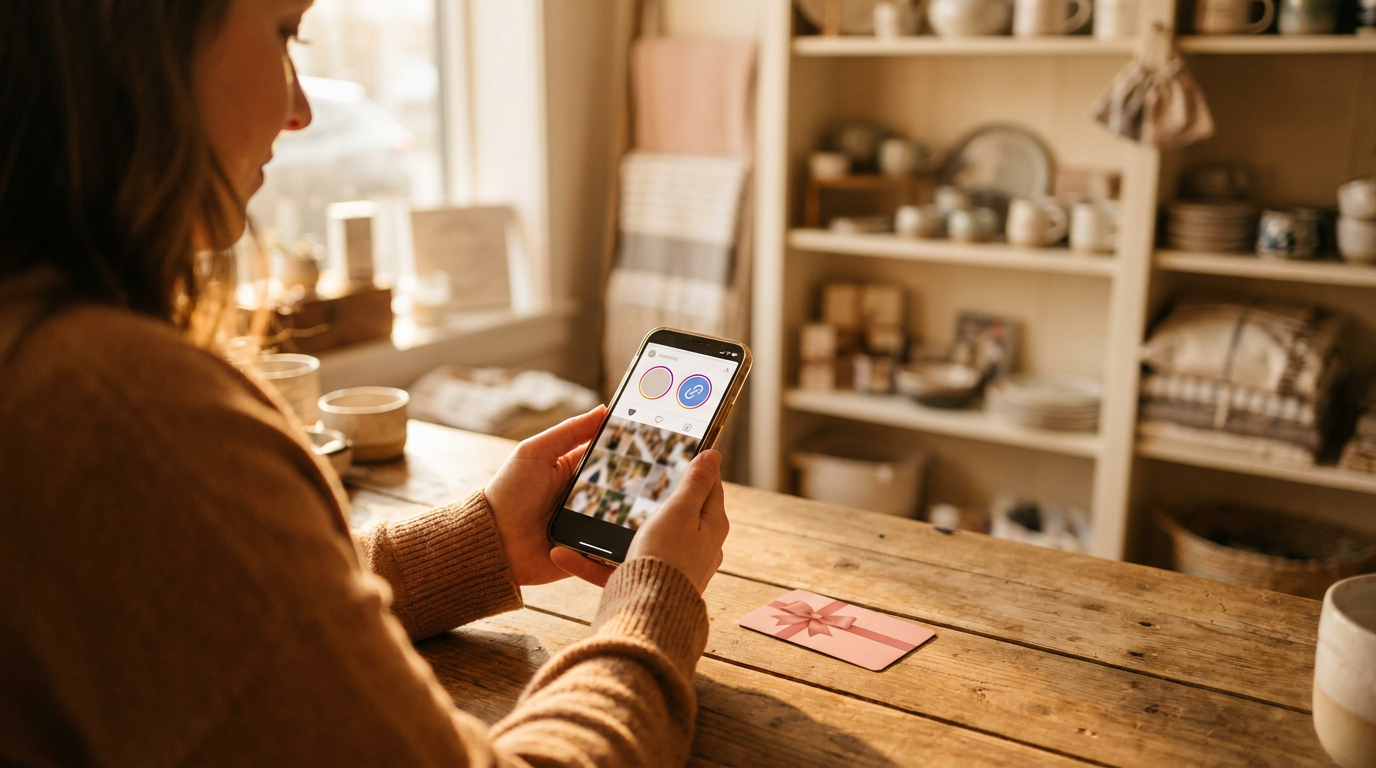
You sell gift cards on Instagram by putting your direct Gifty order link in your profile and in a Highlight. You find the link in the dashboard under Order module and Installation. Followers tap it and order a gift card, even if you have no website of your own. Below are the steps and where it goes wrong.
Selling gift cards on Instagram at a glance
- What you need: a Gifty account and an Instagram account for your business.
- Get the link: in the dashboard, copy your direct link at the top of the Installation page, for example cadeaubon.gifty.nl/yourname.
- In your profile: add the link to the links of your profile.
- In a Highlight: put the link in a Story with a link sticker and save it in a Highlight called Gift card.
- Good to know: the link only works when your order module is visible on gifty.nl. A Gifty employee switches that on for you.
Why sell gift cards on Instagram?
Your followers already know your business and look at your profile regularly. That is a good moment to offer a gift card: they do not have to find your website first. If you have no website, that is fine too, because the direct link opens the Gifty order module itself. Treat it as an extra place next to your website.
What do you need before you start?
- a Gifty account with the order module switched on;
- access to the dashboard with the administrator role, because only that role sees the Installation page;
- an Instagram account for your business, logged in on your phone;
- an image or short video of your gift card for the Story.
Where do you find your direct Gifty link?
Your direct link is in the dashboard. Open Order module and then Installation. Right below the title of the order module, the page says you can also send customers straight to your link. It looks like this: cadeaubon.gifty.nl/yourname. Copy it and send it to your phone, for example in a message to yourself.
No link shown? Then no name has been set for the landing page of your business. Only a Gifty employee can do that. Ask your account manager or customer service.
When does the direct link work? The link opens an order page from Gifty for your business. For that, the order module must be visible on gifty.nl. If it is not, the link sends visitors to the Gifty homepage and they buy nothing. After a change it can take about ten minutes before the page is updated. So always test the link yourself on your phone before you share it.
How do you add the link to your Instagram profile?
- Open Instagram on your phone and go to your profile.
- Tap Edit profile.
- Add your Gifty link to the links of your profile and save the change.
- Open your profile as a visitor and tap the link. You should land on the order page of your business.
According to Instagram you can add up to five links to your profile (Instagram help page). Put the Gifty link first if selling gift cards matters to you right now. That way followers see it first. Instagram changes its screens regularly, so button names on your phone may differ a little.
How do you make a Highlight with a link to your gift cards?
A Story disappears after a day, but a Highlight stays under your profile. That keeps your order link visible even when you post nothing new.
- Create a new Story with an image or video of your gift card.
- Tap the sticker icon and choose the Link sticker.
- Paste your Gifty link and give the sticker a clear text, for example Buy a gift card.
- Post the Story and save it in a new Highlight called Gift card.
- Tap the Highlight and the link as a visitor to test that the order module opens.
Want to show another campaign, for example for the holidays? Create a new Story and add it to the same Highlight. The link stays the same.
Which posts and Stories make followers buy a gift card?
This is our advice, not a measured result. Do not just place the order link, mention it as well.
- Mention the link in your caption: when you post about gift cards, say that followers can order through the link in your profile.
- Show the card: a photo of the card or of what your customer can do with it, such as a dinner or a treatment, makes it concrete.
- Use Stories for a moment: Valentine’s Day, Mother’s Day, the holidays or a promotion. Add the Story to your Highlight.
- Keep it short: a clear text on the sticker works better than a long explanation in the image.
- Start in time: demand for gift cards is not spread evenly, see below.
In 2025 Gifty issued 13,019 gift cards through the order module in December, which is 19.5% of all cards issued through the order module that year. November and December together were 28.7%. Source: Gifty data 2025, cards issued through the order module, excluding test accounts. So have your link and Highlight ready by early November at the latest. Also read how to get more from Black Friday and the holidays.
Frequently asked questions
The Gifty pricing page shows no separate fee for Instagram. You pay the normal fee for a gift card sold online plus the transaction costs of the payment method. Read how that adds up in what a gift card system costs.
The Gifty link is a normal web address, so you can put it on any link page. Gifty has not tested this with specific tools. A direct link in your profile is one tap shorter for your followers.
Then your order module is not visible on gifty.nl. The page cadeaubon.gifty.nl/yourname only works when that is switched on, otherwise the link goes to the Gifty homepage. A Gifty employee switches it on for you, so contact your account manager or customer service.
Not in the dashboard. The name after cadeaubon.gifty.nl/ is set by a Gifty employee in the company settings. If you want another name, ask Gifty.
Yes, according to the Instagram help page you can add up to five links to your profile. Put the Gifty link first if gift cards matter to you.
The order module does not count per channel, and it does not use a parameter added to the link. So note how many cards you sell in the weeks of an Instagram campaign and compare that with the weeks before.